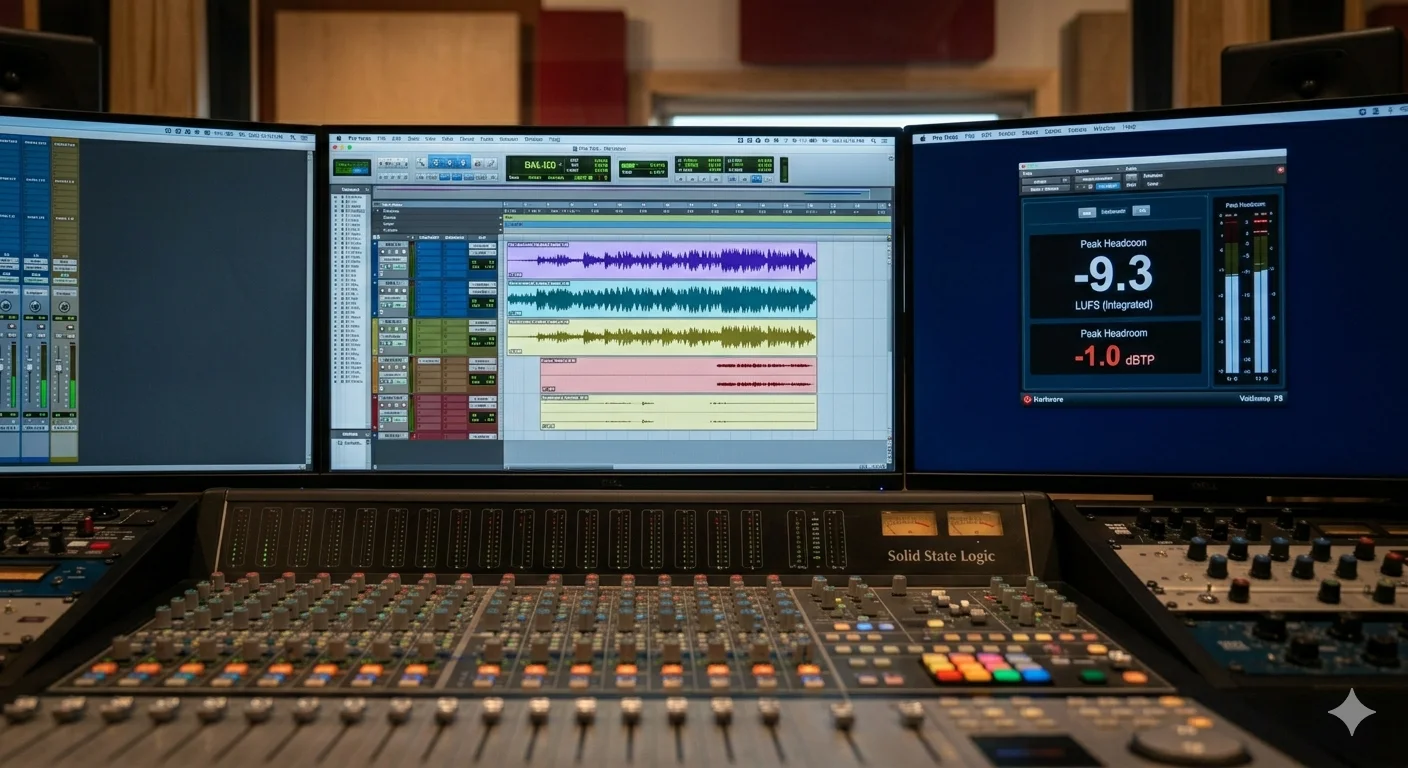
ACX rejects audiobooks on measurable audio specifications, not on taste. There are eleven checks a file has to pass, and the one that catches most people is noise floor: it must sit no higher than -60dB RMS. Volume has to average between -23dB and -18dB RMS, peaks cannot exceed -3dB, and the file has to be constant bit rate MP3. Miss any one and the whole submission comes back.
The frustrating part is that a rejected file usually sounds fine. You listen to it on headphones, the narration is clean, the pacing is good, and ACX still sends it back. That is because these are measurements, not opinions, and your ears are not a meter. Below is every check, in plain language, with what actually causes each failure and whether you can fix it without re-recording.
The Eleven Checks Every ACX File Has to Pass
These are the current published requirements, taken from the ACX audio submission requirements page in November 2026. ACX revises them, so confirm against their page before you submit.
| Check | The requirement | What trips people up |
|---|---|---|
| Noise floor | No higher than -60dB RMS | Room tone, computer fans, traffic and air handling. The single most common reason a file is sent back. |
| Volume | Between -23dB and -18dB RMS | Measured per file. Too quiet is more common than too loud. |
| Peak level | No higher than -3dB | Headroom for the encoder. Without it the encode can distort. |
| Room tone | 1 to 5 seconds at head and tail | Never longer than 5 seconds. Silence that is digitally flat also reads wrong. |
| Encoding | 192 kbps or higher CBR MP3, 44.1kHz | Constant bit rate, not variable. VBR exports fail here constantly. |
| Channels | All mono or all stereo | Mixing the two across files causes errors. |
| File length | 120 minutes maximum per file | Split anything longer and add a secondary header. |
| File contents | One chapter or section per file | Opening and closing credits are their own separate files. |
| File names | Standard US letters and numbers only | Each file name carries its section header, such as Chapter 1. |
| Credits | Opening and closing credits required | Opening states title, author and narrator. Closing has to signal the end. |
| Narration | Human, unless ACX authorises otherwise | Unauthorised text to speech or AI narration is prohibited. |
Noise Floor Is Why Most Audiobooks Get Rejected
The noise floor is how loud your silence is. ACX wants it no higher than -60dB RMS, which is quiet. Quieter than most people's idea of a quiet room.
Sit in the space you record in and stop talking. The furnace, the fridge compressor two rooms away, the computer fan, the hum from a dimmer switch, traffic through a single-pane window: none of that registers while you are reading, and all of it registers on a meter. A spare bedroom with a duvet over a clothes rail typically measures somewhere between -50dB and -55dB RMS, which reads as a quiet room to a person and as a failure to ACX.
This is the one failure you usually cannot master your way out of. Noise reduction strong enough to pull a -52dB floor down past -60dB takes the life out of the voice with it, and you end up with that underwater, processed quality that gets flagged on a later listen anyway. The fix is a quieter space or a treated booth, not a plugin.
Volume and Peak Are Two Different Measurements
People conflate these constantly. RMS is the average level across the file. Peak is the single loudest instant in it. ACX sets a window for each, and a file can easily pass one and fail the other.
RMS has to land between -23dB and -18dB. The point is consistency: a listener moving from your chapter four to your chapter five should not reach for the volume. Too quiet is the more common failure, usually from someone who normalised to peak and never checked the average.
Peak has to stay at or below -3dB. That is headroom, and it exists because the file gets re-encoded into several formats before it reaches a customer. A file that peaks at -0.5dB may sound perfect as a WAV and distort once Audible encodes it. Both of these are mastering problems, which means both are fixable from the recording you already have.
Room Tone Is a Requirement, Not an Accident
ACX wants 1 to 5 seconds of room tone at the beginning and end of every file, and never more than 5 seconds. Room tone means the actual sound of your recording space, not digital silence.
Two things go wrong here. The first is trimming too tight, so the chapter starts the instant the file does and lands abruptly. The second is cutting silence with a noise gate or a strip-silence tool, which replaces room tone with absolute digital zero. That jump from tone to nothing and back is audible, it sounds broken, and it gets flagged.
Constant Bit Rate, Not Variable
Every file must be 192 kbps or higher, constant bit rate, 44.1kHz MP3. The word that matters is constant.
Variable bit rate sounds identical to most listeners and is the default export setting in a lot of software, which is exactly why this catches people. ACX needs CBR because titles are re-encoded into multiple download formats before sale, and that pipeline errors on VBR. If your export dialog has a quality slider rather than a bit rate field, you are probably exporting VBR. This one is a two minute fix and never requires re-recording.
The Structural Checks People Forget
Beyond the measurements, the submission itself has rules. One chapter or section per file, with the section header in the file name, using standard letters and numbers only. Opening and closing credits go in their own separate files, not bolted onto chapter one and the final chapter.
Opening credits have to state the title, author and narrator, and they have to match the metadata and cover art exactly. Closing credits have to signal finality, which is why the convention is "You have been listening to", the title, author and narrator again, and then "The End". You also need a retail sample of five minutes or less pulled from the audiobook itself, and no single file can run longer than 120 minutes.
Why Rushing Causes Rejections
ACX publishes its own estimate of how long this work takes, and it is worth reading before you plan a schedule. For one finished hour of audiobook: about 2 hours recording, about 3 hours editing, and about 1.2 hours of quality checking. That is roughly 6.2 hours of work per finished hour, and new narrators generally run 5 to 7 hours per finished hour.
For length, narrators average 9,300 words per finished hour. Divide your manuscript by 9,300 and you have your finished runtime. An 80,000 word book is around 8.6 finished hours, which by ACX's own estimate is north of 50 hours of work.
The step that gets cut when someone is behind schedule is the 1.2 hours of quality checking, and that is the step that catches the dropped words, doubled lines and stray noises. Skipping it is how a book comes back twice.
Check Before You Submit, Not After
ACX has an audio analysis tool that will measure a finished file against their standards and tell you where it sits before you upload the whole book. Run one chapter through it early, not eleven chapters through it late. If your test chapter fails on noise floor, you have learned that before recording the other ten hours.
If you would rather not own this part at all, it is what a studio is for. We record and master audiobooks at Red Mile Records in Calgary and measure every file against these numbers before it is delivered. Recording is $75 an hour, editing, proofing and mastering to spec is $200 per finished hour, and if a file we mastered is rejected on audio specification we fix it at no charge. The full rate card is on the audiobook recording page.
Frequently Asked Questions
What is the most common reason ACX rejects an audiobook?
Noise floor. ACX requires a noise floor no higher than -60dB RMS, and an untreated room will usually sit well above that. Furnace hum, a computer fan, fridge compressor or traffic through a window all put the floor over the limit, and no amount of mastering removes it cleanly once it is baked into the recording.
Can I fix a rejected audiobook file, or do I have to re-record it?
It depends on which check failed. Volume, peak level, room tone length and encoding are all mastering problems and can be corrected from the existing recording in minutes. A noise floor above -60dB RMS usually cannot, because noise reduction aggressive enough to pass the check leaves the voice sounding processed. That one often means re-recording in a quieter space.
What does RMS mean on the ACX spec?
RMS is the average level of the audio over time, as opposed to the peak, which is the single loudest instant. ACX asks for an average between -23dB and -18dB RMS so listeners are not adjusting volume between chapters, and peaks no higher than -3dB so the file has headroom to encode without distorting.
Does ACX accept variable bit rate MP3 files?
No. ACX requires constant bit rate MP3 at 192 kbps or higher and 44.1kHz. Titles are re-encoded into several formats before they go on sale, and that process needs CBR to run without errors. Many audio editors export VBR by default, which is why a file that sounds correct still gets sent back.
How long does it take to produce one hour of finished audiobook?
ACX estimates about 6.2 hours of work for every finished hour: roughly 2 hours recording, 3 hours editing, and 1.2 hours of quality checking. New narrators generally take 5 to 7 hours per finished hour. A narrator averages 9,300 words per finished hour, so divide your word count by 9,300 to estimate length.
Can I use AI narration for an ACX audiobook?
Not unless ACX has authorised it. Their submission requirements prohibit unauthorised text to speech, AI and automated recordings, and tell rights holders not to pay a producer they suspect of using it. Audible has said it is working toward accepting third-party text to speech from publishers who want it, so this may change.
Do you guarantee files will pass ACX?
Yes, on the audio specification. Every file we master at Red Mile Records is measured against the published ACX numbers before it is delivered. If a file we mastered is rejected on audio spec, we fix it at no charge. Rejections for performance or content are a different matter and are between you and your rights holder.
The Takeaway
Almost every ACX rejection comes down to one of three things: a room that is too loud, an export setting that is wrong, or a quality check that got skipped. The export setting is a two minute fix. The skipped check costs you a week. The room is the one that decides whether you can finish this project where you are sitting, and it is worth measuring before you record chapter one rather than after you record chapter eleven.
Sources: ACX audio submission requirements and ACX, Narrate an audiobook. Both checked November 2026.