You download a beat from a producer's page. The tag says 140 BPM, A minor. You build a session around those numbers, record your vocals, and start mixing. Then you notice the reverb tail is fighting your snare, the delay is landing between beats instead of on them, and your vocal sounds like it's floating in a different room than the instrumental.
The BPM tag was wrong. The key was close but off by a semitone. And because every time-based effect in your session was anchored to bad data, the entire mix feels disconnected.
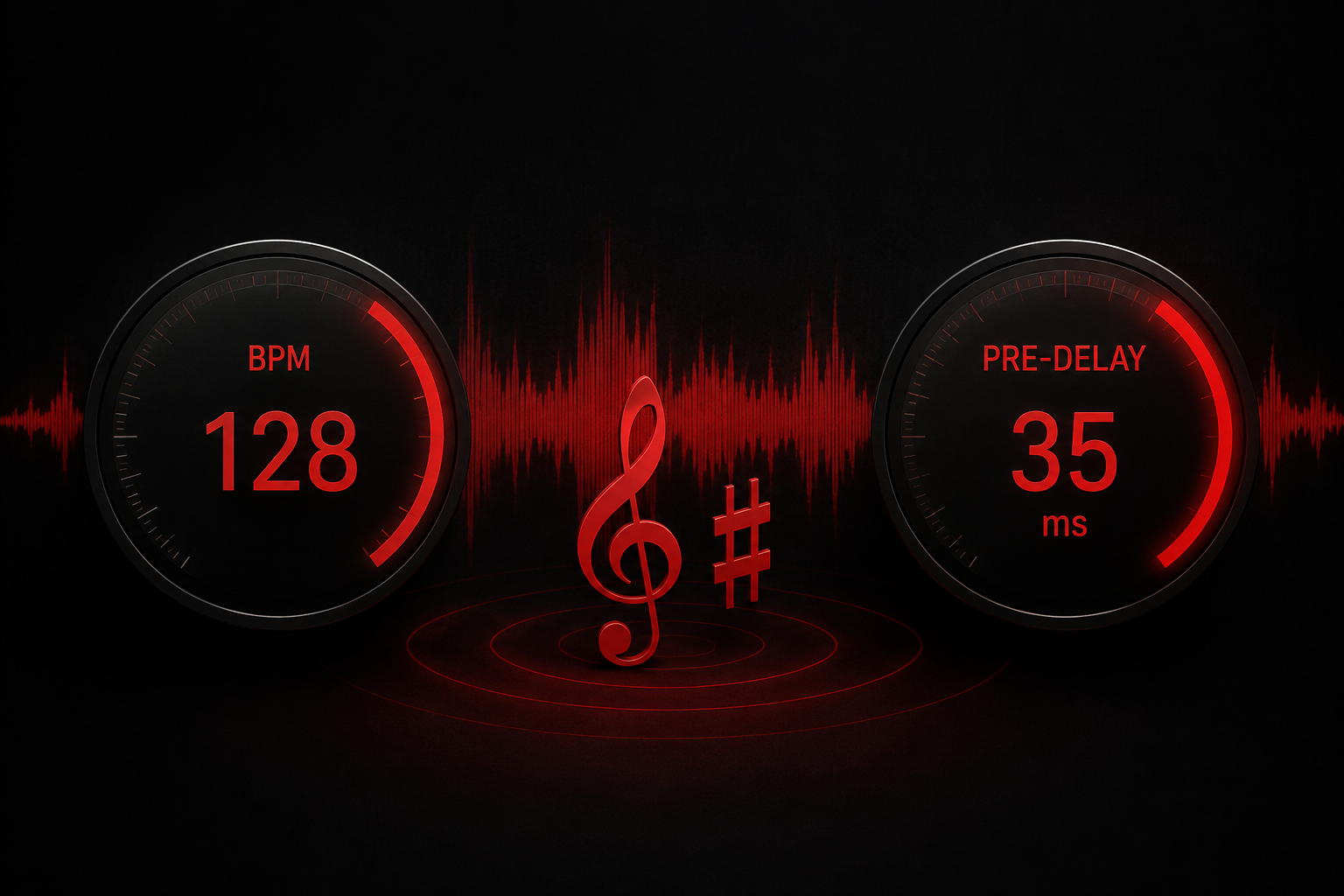
We built two free tools to solve this exact problem. The Red Mile Records BPM and Key Finder analyzes any audio file and returns the actual tempo and musical key. The Reverb Pre-Delay and Delay Time Calculator takes that BPM and converts it into millisecond values for every note subdivision you would use to set reverb pre-delay, decay times, and delay sync. Both tools run in your browser. No account, no upload to external servers, no cost.
This guide walks through how each tool works, the production math behind the numbers, and how to apply those numbers to get cleaner mixes right now.
Why the BPM and Key of Your Instrumental Actually Matters
BPM and key are the two foundation values that every other decision in a session depends on. If you get them wrong, the problems compound through every layer of the production.
BPM determines time-based effect sync. Delay times, reverb pre-delay, reverb decay, sidechain compression release, and auto-tune retune speed all reference tempo. A delay set to 375 ms sounds tight and rhythmic at 80 BPM (dotted eighth note). That same 375 ms at 150 BPM lands in the wrong spot and creates a flanging mess against the vocal.
Key determines harmonic compatibility. If your beat is in F# minor and you write a hook in G minor, every note you sing will fight the instrumental. You will hear the clash as a subtle wrongness that no amount of mixing can fix. Knowing the key before you record means your melodies, ad-libs, and harmonies live in the same harmonic space as the beat from the start.
Producers who sell beats online tag their files with BPM and key data, but that metadata is wrong more often than you would expect. The producer might have changed the tempo after exporting. They might have transposed the beat and forgotten to update the listing. Or the BPM tag might reflect the half-time feel rather than the actual tempo. A BPM and key finder eliminates the guesswork by analyzing the audio itself.
How the Red Mile Records BPM and Key Finder Works
Open the studio tools page, drag in your audio file (MP3, WAV, FLAC, or M4A), and the analyzer returns your results in seconds. You get the BPM as a number you can type directly into your DAW's tempo field, and the key in standard notation (C major, F# minor, Bb major) so you know exactly which scale to write in.
The analysis runs in your browser using client-side processing. Your audio files stay on your machine. Nothing gets uploaded to a server, nothing gets stored, and nobody hears your unreleased music. That distinction matters if you are working with lease beats, unreleased vocals, or client sessions that are under NDA.
Most bedroom producers already know about tools like Tunebat, LANDR's analyzer, or VocalRemover for BPM detection. Those tools work. The difference with ours is that we paired the BPM and key finder with a reverb pre-delay and delay time calculator on the same page, because the entire point of knowing your BPM is to use it immediately. Finding the tempo in one tab and then opening a separate calculator in another tab to convert it to milliseconds is an unnecessary step. We eliminated it.
The Math Behind Reverb Pre-Delay and Delay Times
Every time-based effect in music production comes back to one formula:
60,000 ÷ BPM = quarter-note duration in milliseconds.
At 120 BPM, a quarter note is 500 ms. An eighth note is 250 ms. A sixteenth note is 125 ms. A 1/32 note is 62.5 ms. A 1/64 note is 31.25 ms. Every note value is a clean division from that quarter-note anchor.
Reverb pre-delay uses the short end of this scale. Pre-delay is the gap between the dry signal (the original vocal or instrument) and the start of the reverb reflections. When you set pre-delay to a tempo-synced value, the reverb tail begins at a rhythmically meaningful point instead of at some arbitrary moment that may clash with the groove.
Reverb decay uses the longer values. If your decay time exceeds the space between beats, the reverb tail bleeds into the next rhythmic event and muddies the mix. Setting decay to a half note or a full bar keeps the tail contained within the musical phrasing.
Delay time uses the middle range. A quarter-note delay at 120 BPM repeats at exactly 500 ms, creating a rhythmic echo that locks to the beat. A dotted-eighth delay (375 ms at 120 BPM) creates the classic U2/The Edge rhythmic pattern that sits between the beats and adds movement without clutter.
You can do this math on a calculator. Or you can type your BPM into the delay time calculator on our tools page and get every value instantly, from whole notes down to 1/64 notes, including dotted and triplet variations.
How to Set Reverb Pre-Delay by BPM for Vocals
Reverb pre-delay is the single most important reverb parameter that producers get wrong. Too short (under 5 ms) and the reverb smears into the dry vocal, destroying clarity and making the voice sound distant. Too long (over 80 ms) and you hear a noticeable gap between the vocal and the reverb, which sounds unnatural outside of specific creative effects.
The sweet spot for most vocal styles lives between 15 ms and 50 ms, and the exact value depends on the tempo of the track.
Hip-hop and rap vocals (70-90 BPM, or 140-180 BPM in half time): Set pre-delay to a 1/32 note value. At 140 BPM, that gives you about 26 ms. The vocal stays dry and upfront while the reverb adds depth behind it without softening the attack of each word. Rap vocals need presence. A short, tempo-synced pre-delay preserves it.
R&B and melodic vocals (65-85 BPM): Use a 1/16 note value for pre-delay. At 75 BPM, a 1/16 note is 100 ms, which might be too wide. Drop to a 1/32 note (50 ms) or split the difference and trust your ears. R&B vocals benefit from slightly longer pre-delay because the style leans into the space between the voice and the room.
Pop and dance vocals (110-130 BPM): A 1/32 note works well at these tempos. At 120 BPM, you get a 1/32 note of about 31 ms. At 128 BPM (a common house/EDM tempo), the 1/32 value is about 29 ms. Both land in the vocal clarity sweet spot. For brighter, more produced pop mixes, try a 1/64 note (15 ms at 120 BPM) to keep the reverb tight and transparent.
The calculator on the studio tools page gives you all of these values the moment you input your BPM. Start with the value, listen, and adjust by a few milliseconds in either direction until the reverb sits where you want it.
Setting Reverb Decay Time to the Tempo
Once pre-delay is set, decay time determines how long the reverb tail sustains before fading out. The goal is to match the decay to a rhythmically relevant length so the tail clears before the next significant beat.
A common approach: set decay time so the total reverb length (pre-delay + decay) equals a half note or a full bar. At 120 BPM, a half note is 1,000 ms. Subtract your pre-delay (say, 31 ms) and your decay target is about 969 ms. Round to 970 ms and you have a reverb that breathes with the track and clears before the next downbeat.
For tighter genres like trap and drill, cut the decay to a quarter note or even an eighth note. The reverb will feel more like an ambience than a room, which keeps the low end clean and prevents the 808 from fighting a reverb tail that won't get out of the way.
For ballads and atmospheric tracks, extend the decay to a full bar or two bars. The longer tail fills the space between phrases and creates the lush, cinematic quality that slower music demands.
Delay Time Sync: Quarter Notes, Dotted Eighths, and Triplets
Delay is the other major time-based effect that benefits from BPM sync. An unsynchronized delay creates rhythmic confusion. A synced delay adds depth, width, and groove to a vocal or instrument.
Quarter-note delay repeats on every beat. This is the most obvious delay type and works well for sparse arrangements where you want the echo to be heard as a distinct rhythmic element.
Dotted-eighth delay repeats at 1.5 times the eighth-note duration. At 120 BPM, the eighth note is 250 ms and the dotted eighth is 375 ms. This offset creates a repeating pattern that falls between beats, adding movement and interest. Producers have used this pattern on everything from ambient guitar to trap vocal adlibs.
Triplet delay divides the beat into thirds. At 120 BPM, an eighth-note triplet delay is about 167 ms. This creates a faster, more syncopated bounce that works well in genres with swing or groove-heavy rhythms.
The delay time calculator generates all three variations (straight, dotted, triplet) for every note value, so you can experiment with different delay characters without doing the math manually.
Putting It All Together: A Real Session Workflow
Step one: you receive a beat from a producer. Open the Red Mile Records studio tools page. Drop the file into the BPM and key finder. The tool returns 142 BPM, key of D minor.
Step two: type 142 into the delay time calculator on the same page. The calculator gives you every note value in milliseconds. You see that a 1/32 note at 142 BPM is about 26 ms. Set that as your vocal reverb pre-delay.
Step three: pick a half-note value for your reverb decay target. At 142 BPM, a half note is about 845 ms. Set your reverb decay so the total tail length (pre-delay + decay) is close to that number.
Step four: set a dotted-eighth delay on a vocal bus for width. At 142 BPM, a dotted eighth is about 317 ms. Pan it wide and roll the high end off above 4 kHz to keep it behind the dry vocal.
Step five: record in D minor. Every melody, harmony, and ad-lib you write will sit inside the harmonic framework of the beat.
Total setup time: under two minutes. Compare that to the old workflow of guessing, checking, adjusting, and doing math on your phone. The tools turn that into a single page load.
Why We Built These Tools at Red Mile Records
We run sessions every week at our studio in Calgary. Artists walk in with beats on their phone, ready to record. The first thing our engineers do is confirm the BPM and key. If those numbers are off, we catch it before the artist records a single take, not after they have already laid down three verses in the wrong key.
We built the studio tools page so our clients and producers worldwide can run the same checks before they even arrive at a session. The BPM finder, key finder, and reverb pre-delay calculator are the exact same references our engineers use when setting up a vocal chain on the Neumann U87 Ai through the Neve 1073LB preamp.
Unlike standalone BPM tools like Tunebat, LANDR, or VocalRemover that exist in a vacuum, our tools sit inside a working studio's ecosystem. They connect directly to the mixing and mastering workflow and the music marketing services that take a finished track and put it in front of listeners. The tools are the first step in a complete production pipeline, from tempo detection to final master to playlist placement.
Try the Tools Now
The BPM and Key Finder with Reverb Pre-Delay and Delay Time Calculator is live and free to use right now. No sign-up. No paywall. No file uploads to external servers.
Find the BPM and key of your next beat, set your reverb and delay times to the exact millisecond, and walk into your session (or your bedroom studio) with the numbers locked in before you press record.
If you want to take that session further with professional recording, mixing and mastering, or music marketing, reach out to the Red Mile team or book a session directly.